It’s 2026, and WordPress still runs a huge portion of the internet, with 43% of all websites using it as their main content management system. These kinds of milestones aren’t achieved overnight. A platform becomes popular only when it is flexible, open-source, and supported by a massive ecosystem of themes and plugins.
Having said that, many modern businesses now want to branch out. After all, a typical WordPress site does depend on multiple plugins for design, SEO, security, and performance.
This setup can add to the maintenance work and occasional compatibility issues.
No wonder companies are now starting to look at WordPress alternatives.
Fortunately, the CMS market has grown quickly over the past few years. Modern platforms now offer visual editors, integrated hosting, and stronger performance out of the box.
So, if you’ve ever asked yourself, “What are some great alternatives to WordPress?” you’re not alone. This post will present some of the best WordPress alternatives you can explore in 2026 and explain why each option is worth your time.
10 WordPress Alternatives Worth Considering in 2026
1. Webflow
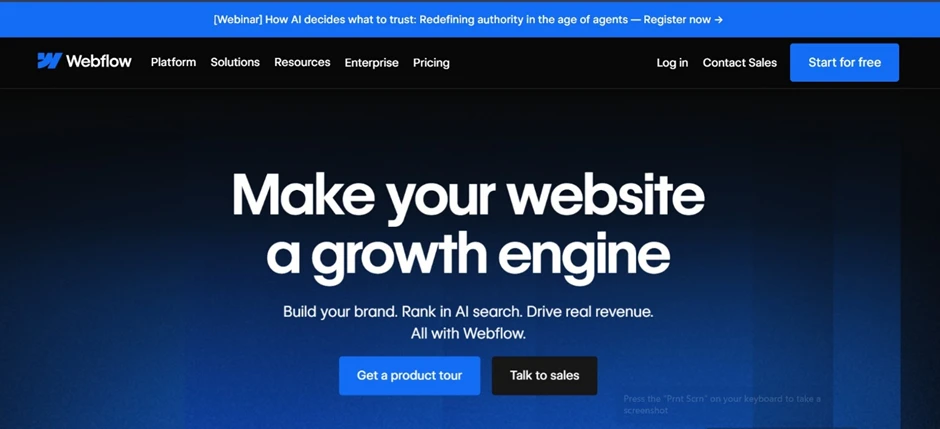
Webflow serves as one of the best WordPress alternatives because of its widespread use in the industry. It functions as a combination of a design tool and a content management system. Designers and businesses prefer it because it enables them to completely control their website’s appearance. The tool spares you from navigating templates and plugins, while allowing you to create your desired layout through visual design tools. Further, the system handles all coding tasks.
Webflow provides integrated hosting services as well as security measures and content management systems. Thanks to fewer initial requirements, users can say goodbye to traditional content management systems that require frequent updates and maintenance. This tool is effective for marketing websites, landing pages, portfolios, and all other websites that prioritize visual design and fast performance.
Key Features
- Visual Drag-and-Drop Builder: You can move sections, adjust layouts, and control spacing while seeing the page design update on the screen.
- Built-in CMS: Teams can manage content such as blog posts, case studies, and directories without changing the site layout.
- Responsive Design Tools: Designers can make layout adjustments directly for different screen sizes.
- Hosting and Security Included: SSL security and performance optimization are already part of Webflow’s infrastructure.
| Pros | Cons |
|---|---|
| Strong design flexibility | Learning curve for beginners |
| No plugin dependency | Higher pricing for larger sites |
| Clean and fast websites |
Pricing
- Starter plans available
- Paid plans for CMS and eCommerce sites
2. Shopify

Shopify isn’t your run-of-the-mill website platform; it focuses almost entirely on eCommerce. Accordingly, it enables store owners to create product pages, track orders, manage inventory, and process payments from one dashboard. This is the key reason why Shopify earns mentions when people ask what are some alternatives to WordPress? The platform also takes care of hosting and security, which removes a lot of technical hiccups. While WordPress can support online stores through plugins, Shopify already includes most store tools by default. This is a decisive factor for many online retailers.
Key Features
- Built-In E-commerce Tools: Shopify comes packed with settings required for creating product pages, shopping carts, checkout systems, and shipping.
- Inventory Management: Store owners can track product quantities, manage variants, and keep an eye on stock levels across different locations.
- Payment Integrations: The platform supports multiple payment gateways, including credit cards, digital wallets, and region-specific payment options.
- App Marketplace: Shopify offers thousands of apps that add features such as marketing tools, analytics dashboards, and customer support systems.
| Pros | Cons |
|---|---|
| Easy to launch online stores | Transaction fees in some plans |
| Secure and reliable platform | Limited customization without development |
| Scalable for growing businesses |
Pricing
- Monthly subscription plans
- Additional costs for apps and themes
3. Wix
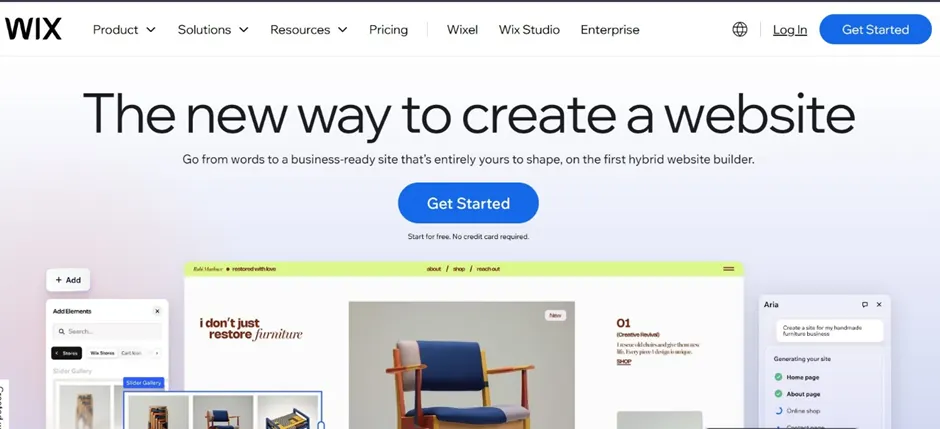
Wix provides an easy-to-use platform, which makes it one of the best WordPress alternatives for beginners to build their websites. You begin by selecting a template and then editing it until you achieve your desired outcome. You can also move text blocks and shift images while rearranging sections without needing technical support. Wix is perfect for freelancers, small business owners, and first-time website designers. The platform also comes with complete hosting capabilities and integrated design tools. With Wix in your corner, you need not install and run various plugins because it automatically manages all updates.
Key Features
- Visual Editor: You can directly click on an element on the page itself, drag it somewhere else, adjust the size, and see the result instantly.
- Large Template Library: Wix offers a long list of templates for different types of businesses, like a restaurant, yoga studio, photographer, or consultant.
- Built-in SEO Tools: You can set page titles, descriptions, and other essentials without installing extra tools.
- App Marketplace: If the site needs more features, the Wix app marketplace includes add-ons for bookings, contact forms, live chat, and marketing tools.
| Pros | Cons |
|---|---|
| Simple to use | Less flexible for advanced development |
| Fast website setup | Harder to migrate to other platforms |
| All-in-one platform |
Pricing
- Free plan available
- Paid plans for business and eCommerce sites
4. Squarespace

Squarespace often appears in the search for alternatives to WordPress, mainly because its templates look polished even before you start modifying anything. As a platform, it works well for photographers, writers, designers, and small brands; basically, those who want a website that looks clean without putting in much effort. You start by choosing a template and replacing the sample content with your own text and images. You can then adjust sections and page layouts via the editor. Moreover, hosting is included, and most tools are already built into the platform.
Key Features
- Modern Templates: The platform’s templates focus on clean layouts, strong typography, and large images.
- Built-in Blogging and E-commerce Tools: Blogging and basic eCommerce features are already included, so users can publish posts or sell products without adding extra plugins.
- Website Analytics: The platform provides built-in analytics that show visitor numbers, traffic sources, and general engagement patterns.
- Integrated Hosting: Hosting and security are taken care of, eliminating the need for a separate hosting provider.
| Pros | Cons |
|---|---|
| Clean design templates | Limited customization for developers |
| Easy content editing | Smaller app ecosystem |
| Reliable hosting |
Pricing
- Monthly subscription plans
- Higher tiers include ecommerce features
5. Drupal
Drupal is the go-to platform for large businesses and enterprises exploring WordPress alternatives to build complex websites. This includes universities, government departments, and large organizations. It’s popular because it is open-source and gives developers a great deal of control over how their websites are built and managed. Teams can define how content is structured, decide who can edit or publish pages, and set up detailed workflows. However, it isn’t the easiest platform to set up. Hence, most Drupal projects involve experienced developers who understand the system well.
Key Features
- Advanced Content Management: Teams can create structured content systems with custom fields, user roles, and editorial workflows.
- Customizable Architecture: Developers can extend the platform using modules and custom code, allowing Drupal sites to support specialized functionality.
- Strong Security Controls: The platform is known for its robust security features, which is one reason many government and institutional websites use it.
- Multisite Capability: Drupal can run multiple websites from a single installation, which helps organizations manage several related sites.
| Pros | Cons |
|---|---|
| Highly flexible | Steep learning curve |
| Enterprise-grade security | Requires development expertise |
| Handles complex websites |
Pricing
- Free open-source software
- Hosting and development costs apply
6. HubSpot CMS
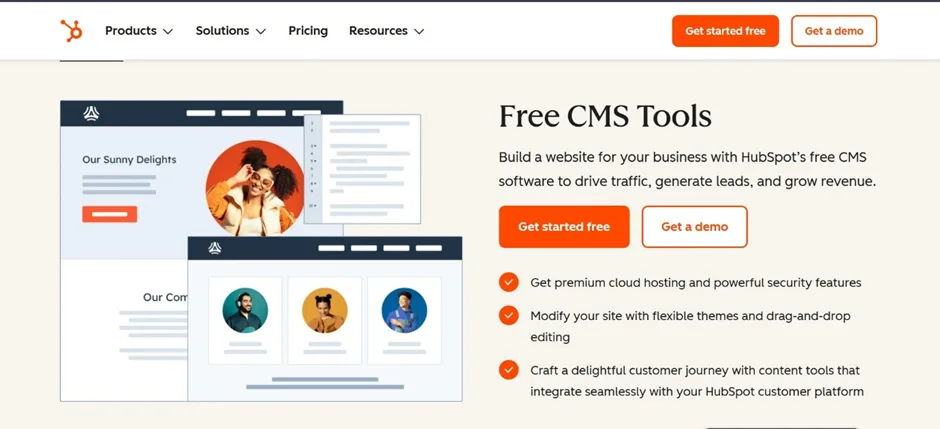
This platform is most suitable for businesses that focus heavily on marketing and lead generation, as it connects website management with HubSpot’s CRM and marketing tools. As a result, the website does more than just publish pages. When someone fills out a form or downloads a resource, their details are automatically stored in the CRM. Marketing teams can then track these leads, send follow-up emails, or include them in marketing campaigns. Basically, instead of using several different tools for CRM, marketing, and website management, HubSpot keeps everything in one system.
Thanks to this connection between the website and marketing tools, the platform makes for a great alternative to WordPress.
Key Features
- Built-in CRM Integration: The CMS connects directly with HubSpot’s CRM, enabling businesses to track contacts and customer interactions.
- Marketing Automation Tools: Teams can manage email campaigns, automation workflows, and lead nurturing from the same platform.
- Drag-and-Drop Page Builder: Pages and landing pages can be created through a visual editor, allowing marketing teams to update content without coding.
- SEO Recommendations: The platform provides built-in suggestions that help improve page structure and search visibility.
| Pros | Cons |
|---|---|
| Strong marketing features | Higher pricing compared to many CMS platforms |
| Integrated analytics and CRM | Works best within the HubSpot ecosystem |
| Best suited to lead-generation websites |
Pricing
- Subscription-based pricing
- Plans vary depending on marketing features
7. Ghost

Ghost is yet another competent alternative to WordPress, which was built with writers in mind. No prizes for guessing that the platform focuses mainly on blogging, newsletters, and publishing content regularly. Accordingly, when you open the editor, you get a blank page. This is no coincidence or error. The page serves as the space you need to add your words. Many creators find this kind of setup helps keep things focused. How? Because you don’t have to experience the hassles of managing themes, plugins, and endless settings.
You can spend almost all of your time writing and publishing. Ghost also includes built-in tools for memberships and subscriptions, which is helpful for creators who want to publish paid-for newsletters or manage exclusive communities.
Key Features
- Clean Writing Interface: The editor is simple and distraction-free, allowing writers to focus on their craft.
- Built-in Membership and Subscription Tools: You get tools for paid memberships and email newsletters. Creators can manage subscribers directly from the platform.
- SEO Features: Basic SEO settings such as page titles, descriptions, and structured content are included.
- Fast Performance: Ghost sites tend to load quickly because the platform is relatively lightweight.
| Pros | Cons |
|---|---|
| Excellent for publishing content | Limited capabilities for complex websites |
| Minimal setup required | Smaller plugin ecosystem |
| Creates speedy websites |
Pricing
- Free open-source version
- Paid hosted plans available
8. Framer
In the search for dependable WordPress alternatives, Framer sometimes appears as one of the newer options. Here’s a tool that started out as a design and prototyping tool. This explains exactly why the interface feels different from a typical CMS. Instead of beginning with content, the platform gravitates more towards visual design. As a result, pages are built visually, almost like working inside a design program.
Hence, Framer has become popular with startups, product teams, and designers who are looking to build effective marketing websites. It allows users to design layouts, add animations, and publish the site from the same place. This approach can click with marketing sites, landing pages, or product launches.
Key Features
- Visual Design Editor:Pages are built visually, with full control over layout, spacing, and styling.
- Interactive Animations: The platform makes it easy to add motion effects and interactions to a website.
- Built-in Hosting: Once the design is ready, the site can be published directly through the platform.
- AI Design Assistance: Framer includes AI tools that help generate layouts or adjust design elements.
| Pros | Cons |
|---|---|
| Strong design capabilities | Limited CMS depth compared to traditional platforms |
| Fast site deployment | Smaller ecosystem |
| Clean modern interface |
Pricing
- Free plan available
- Paid plans for professional websites
9. Sanity
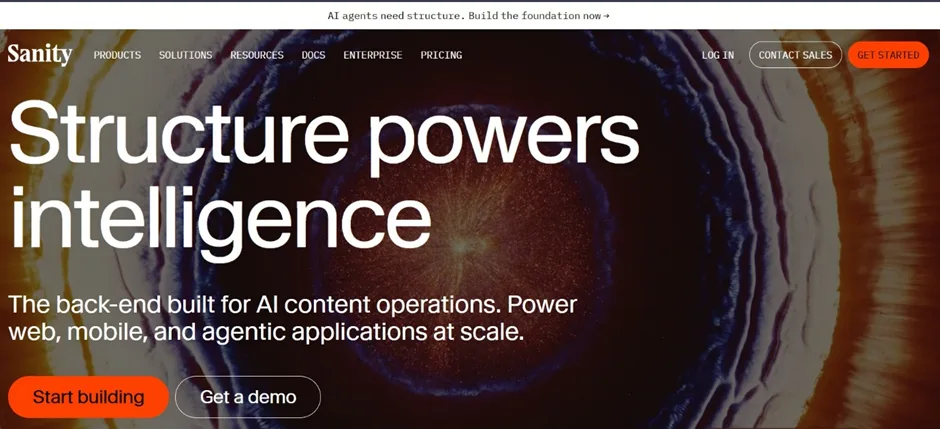
Sanity is another essential WordPress alternative that cannot be ignored. This platform functions as two separate systems because it splits the design elements from content creation. It stores content in one location, which the website or application can access through API requests. This setup can be beneficial for businesses that need to publish the same content across multiple locations.
For example, their website, mobile application, and other platforms can display the same content, which includes blog posts, product descriptions, announcements, and more. Basically, users can create content and then distribute it across multiple platforms. Sanity is not a beginner-friendly tool, and it does not provide instant website creation capabilities. Developers need to create content management solutions by developing front-end systems that operate independently from content creation tools.
Key Features
- Headless Architecture: The content backend stays separate from the website design, which lets developers build the front end using their preferred tools.
- Real-Time Content Collaboration: Multiple editors can work on the same content at the same time and see updates instantly.
- Structured Content Model: Teams can define how their content is organized by creating custom fields and content types.
- API-First Approach: Content is delivered through APIs, so it can be used across websites, apps, and other platforms.
| Pros | Cons |
|---|---|
| Highly flexible for developers | Requires development knowledge |
| Ideal for multi-channel content delivery | Not beginner-friendly |
| Scalable architecture |
Pricing
- Free developer tier available
- Paid plans based on usage and team size
10. Contentful

Contentful is another headless CMS which enables users to manage content independently from the website and application platforms. The platform acts as a central content management system, which basically operates like a distribution point for content. A business can operate multiple digital platforms, including a website, a mobile application, and possibly a digital signage system for its retail space. The team updates content in Contentful once, and then each platform publishes it through API connections. Overall, Contentful serves as an effective alternative to WordPress for content-based businesses.
Key Features
- API-First System: Content is delivered through APIs so websites and apps can access the same data.
- Structured Content Models: Teams can organize content using defined content types and custom fields.
- Collaboration Tools: Editors and developers can work together using roles, permissions, and workflows.
- Integration with Modern Development Tools: The platform works well with many modern frameworks and development environments.
- Multi-Channel Publishing: The same content can be used across websites, mobile apps, and other digital platforms.
| Pros | Cons |
|---|---|
| Highly flexible for developers | Requires development skills to build the front-end |
| Works well with modern web technologies | Can feel complex for beginners |
| Content can be reused across platforms | Pricing can increase as usage grows |
| Reliable cloud infrastructure |
Pricing
- Free plan available for small projects
- Paid plans for larger teams and businesses
- Enterprise pricing available for large organizations
How to Choose the Right WordPress Alternative
As you can see, there are many alternatives to WordPress today. But the right choice depends on what you actually want your website to do. Some platforms work best for blogs, while others are built for online stores or large applications. A quick look at your goals usually makes the decision easier.
Here’s the starting point:
Define Your Website Goals
Start by thinking about the main purpose of the website.
- Blog or Content Website: If the focus is writing and publishing articles, platforms built for content often work well. Tools like Ghost are designed for blogs, newsletters, and online publications.
- Business or Portfolio Site: Many small businesses only need a clear website that explains what they do. Builders like Wix or Squarespace are often used for this type of site.
- E-commerce Store: If the website will sell products, a platform focused on online stores usually works better. Shopify is a common choice for that.
- Enterprise or Large-Scale Platform: Large organizations sometimes need systems that handle complex workflows and large content libraries. Platforms like Drupal are often used in those cases.
Check Design Flexibility
Design control matters more for some websites than others. It can help you understand how much flexibility each platform gives you.
- Drag-and-Drop Builders vs Developer Platforms: Website builders like Webflow allow users to design visually. Developer platforms such as Sanity require coding but offer deeper control.
- Template-Based vs Fully Custom Design: Some platforms rely on templates that you customize slightly. Others allow developers to design everything from the ground up.
- Ability to Scale Design Later: A simple template may work today, but it helps to choose a platform that can grow with your design needs later.
Consider Hosting and Maintenance
Another factor is how much technical work you want to handle.
- Fully Hosted Platforms vs Self-Hosted CMS: Platforms like Shopify or Wix include hosting and maintenance. With self-hosted systems like Drupal, your team manages the hosting environment.
- Security and Updates Handled by Provider: Many hosted platforms handle updates and security automatically, which reduces technical work.
- Technical Maintenance Requirements: Some CMS platforms require regular updates, server monitoring, and plugin management.
Think About Scalability
A website that works well today should still work as traffic grows.
- Plugin Ecosystem or Built-in Features: Some platforms depend on plugins for extra features, while others include most tools out of the box.
- Ability to Integrate with Third-Party Tools: Businesses often need integrations with marketing tools, analytics platforms, or CRMs.
- Performance for Growing Traffic: As traffic increases, the platform should continue loading pages quickly and handling more visitors without major issues.
Conclusion
Businesses now understand that WordPress remains the top website solution, but other alternatives exist today. As a result, most modern businesses do not hesitate to explore the various WordPress alternatives.
Of course, your choice of platform should depend on your specific needs and expected outcomes. Some platforms will make design easier, while others will make content publishing a breeze. Certain platforms exist to support eCommerce activities, while other platforms concentrate on web development tasks.
Another factor to consider before picking the best alternatives to WordPress is how beginner-friendly or technical its interface is. By now, you should know that each platform solves a slightly different issue.
If you still can’t make up your mind, AgencyMinds can help. Their teams have vast experience in helping businesses plan, design, build, and manage their websites on multiple platforms. Inform them about your unique goals and they’ll recommend one accordingly.